Windows desktop app
Download MEKs
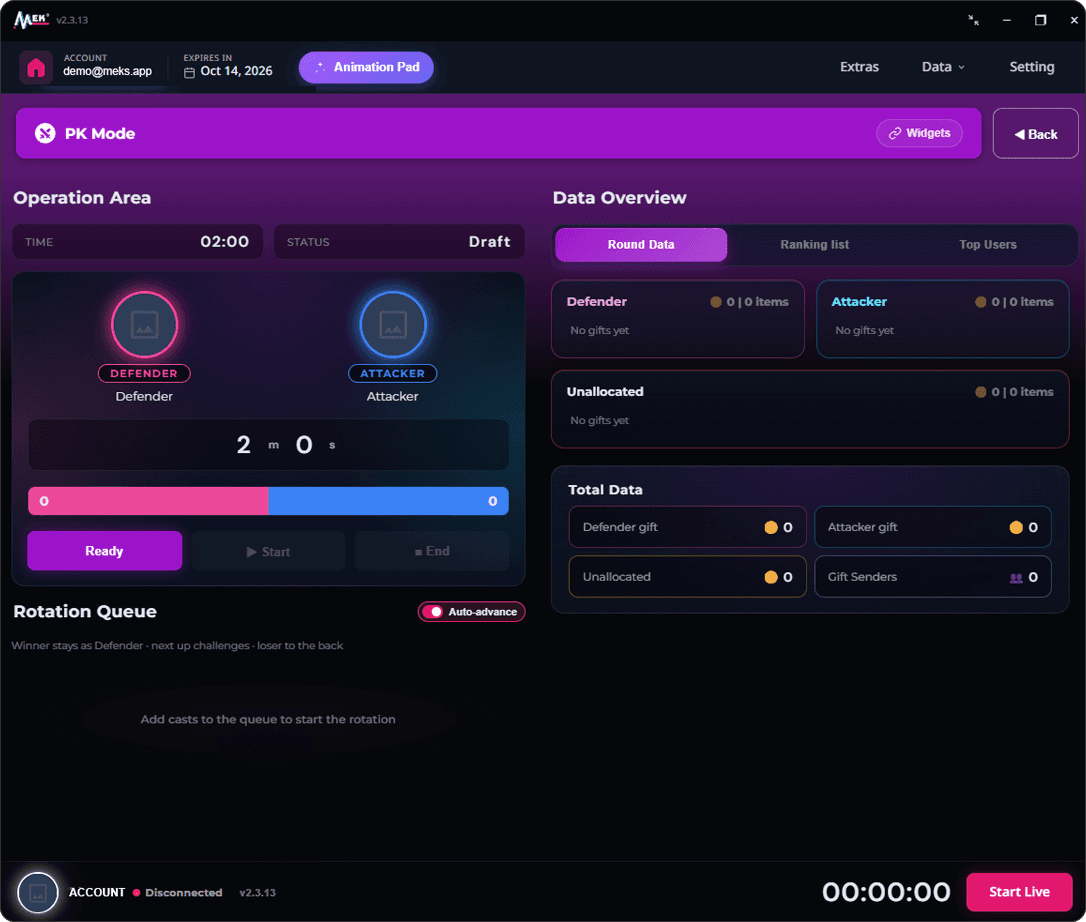
Run PK battles, track gifts live and put overlays on your TikTok Live — all from one app on your PC.
Loading latest version…
Up and running in three steps
- 1
Download the installer
Save the installer (.exe) for the latest version to your PC.
- 2
Run the installer
Open the file and follow the steps. It also sets up the WebView2 runtime MEKs needs, if your PC doesn’t have it yet.
- 3
Activate and go live
Enter your activation code, type your TikTok channel name, choose a mode and hit Start Collecting.
System requirements
- Windows 10 or Windows 11, 64-bit
- Microsoft WebView2 runtime — the installer adds it for you
- An internet connection while you’re live
Need an activation code?
Pick a plan to get your code, or read the guide to see every mode and feature step by step.